SeaArt spins a few words into whatever you had in mind
Describe a scene, a costume, a character — and SeaArt renders it as anime or camera-real art within seconds, holds the face steady across every version, and lets you dig through millions of community models. 150 credits a day, no card, no fuss.
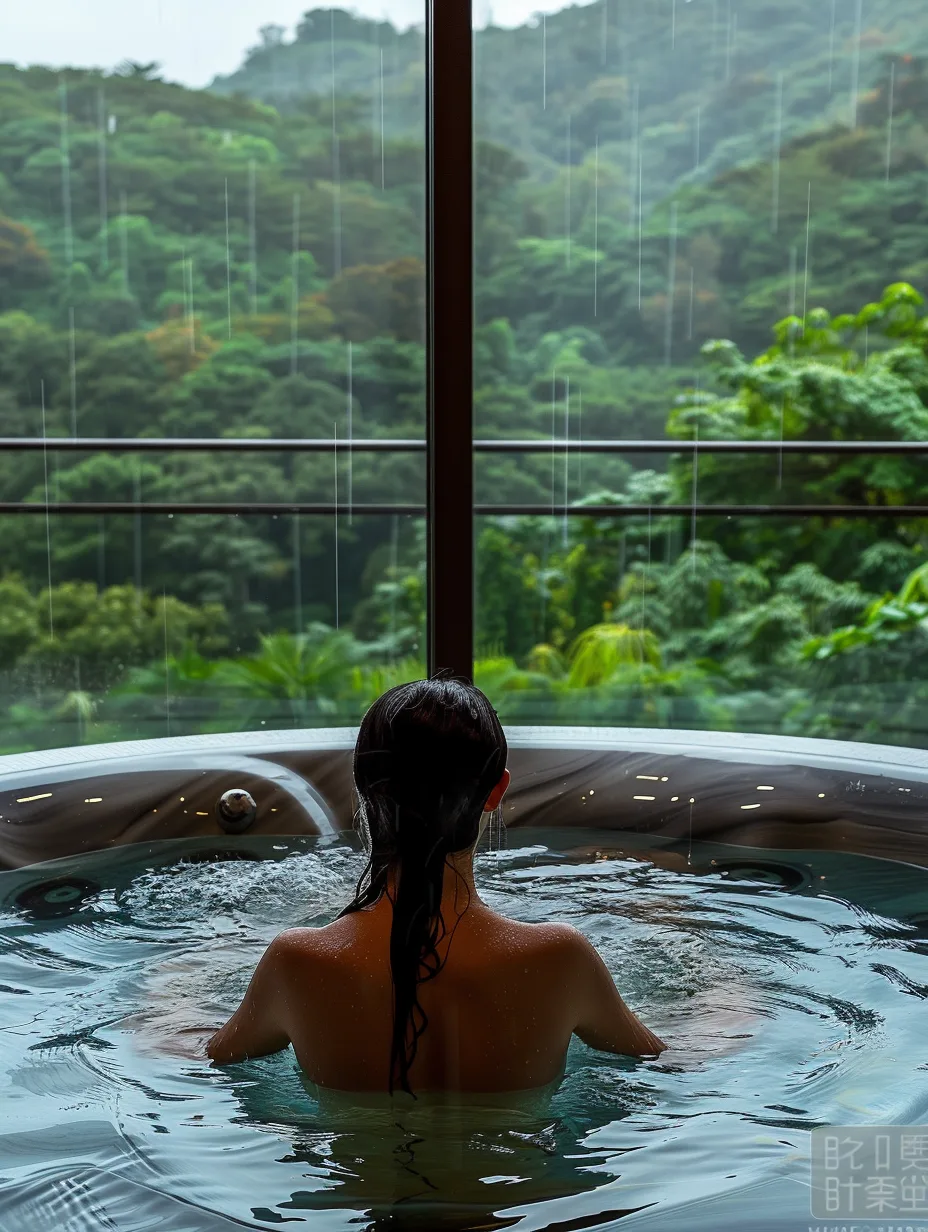
Every SeaArt look is yours to muck about with


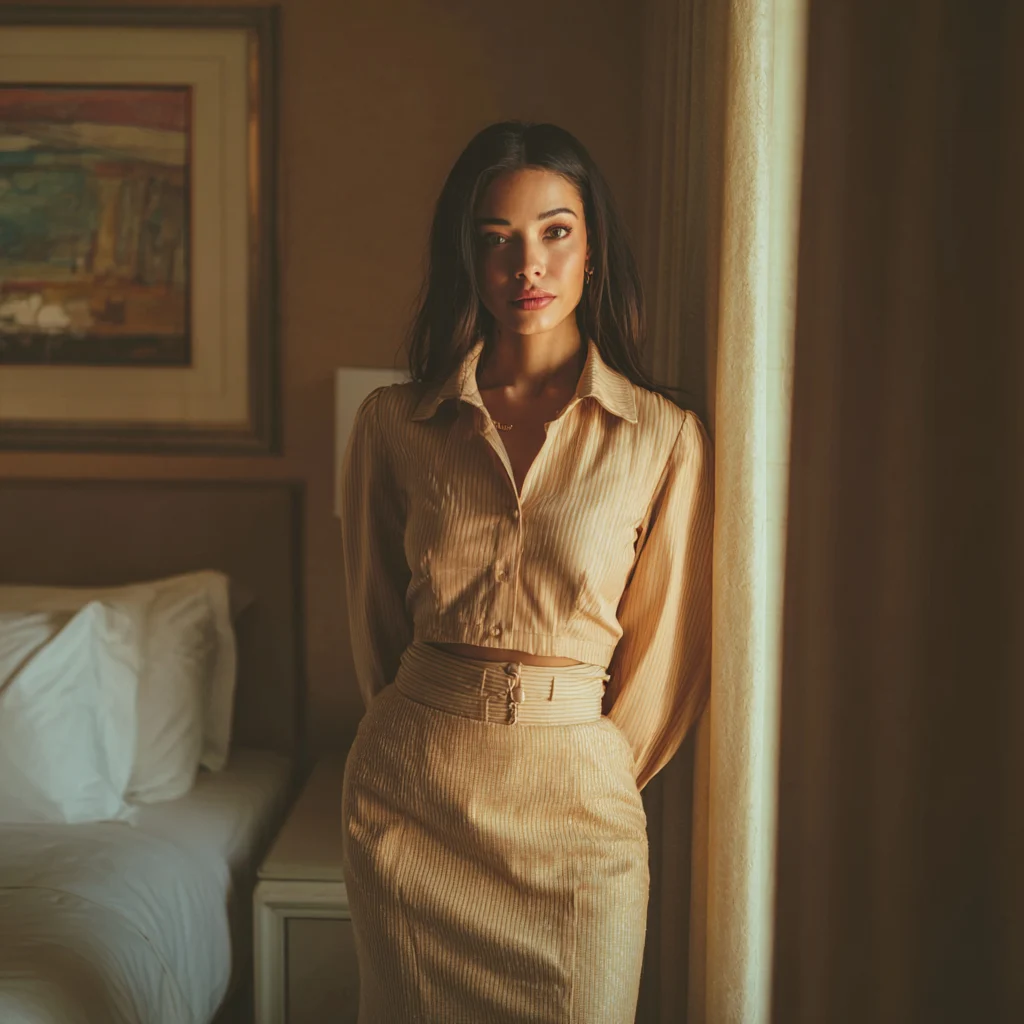



Meet Yuki
Ask around the SeaArt community and Yuki is the look people quietly keep loading up again. It's a lifelike studio portrait style, and the clever bit is how the face refuses to wander — shift the wardrobe, the room, the hour of day, and it's still plainly the same person staring back.
We built Yuki around the thing everyone trips over: an identity that won't sit still. Take it from a clean studio headshot to a windswept clifftop to neon spilling through a wet window, and the features simply come along for the ride. Layer a LoRA over the top, nudge it towards anime, or drag it back to full realism — the character flatly refuses to melt into a stranger. Cheeky like that.

A face that won't wander
Pin a look down once and every fresh render keeps those same features, whether it's a tight close-up or a busy full-body scene.
Cartoon or camera-real
Glide from clean 2D lines all the way to convincing photographic detail without starting the character over.
Borrow the whole shelf
Pile community LoRAs and checkpoints on top to rework the mood, the lighting, and the outfit in a heartbeat.
Sharp and logo-free
Pull down crisp pictures as large as 2K with nothing branded stamped across your work.
A SeaArt generator that won't box you in
Plenty of tools pin you to a single aesthetic. SeaArt stretches from clean anime to painterly illustration to full photographic realism — one prompt bar, one workspace, the lot.
Put into words whatever you're picturing, choose a look, and let the model handle the graft. No fiddly software, nothing to learn first, and no logo ruining the finish.

SeaArt characters that hold their shape
Keeping one face steady is where most AI art comes apart. SeaArt pins a character's identity down so each render is plainly the same individual.
Change the outfit, move the setting, dim the lights — even drift from anime towards realism — and those features tag along every time, no exceptions.
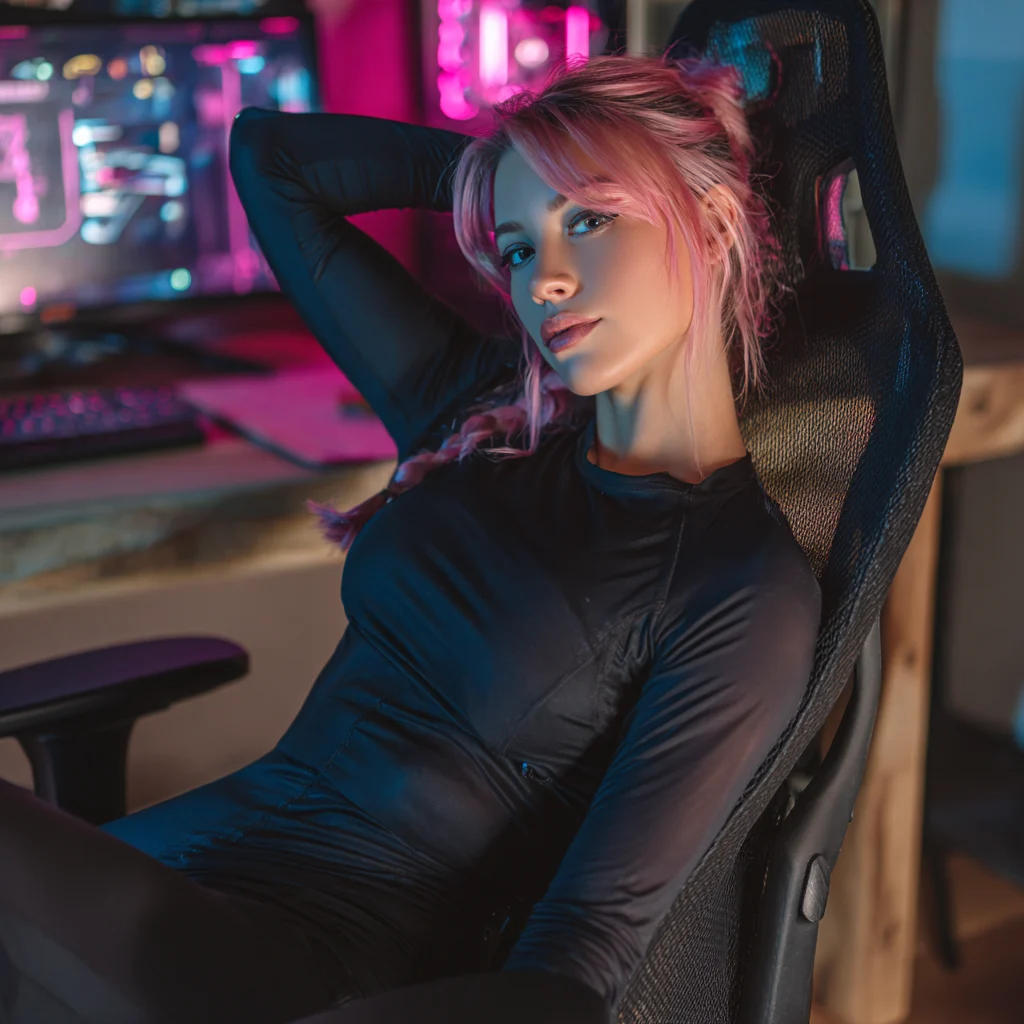
A SeaArt engine fed by millions of models
Underneath that prompt bar sits one of the largest shared collections going — north of a million checkpoints, LoRAs, and styles passed around by the community.
Pile them up, blend them, and reshape a picture's whole mood in seconds. Whatever look you're chasing, odds are somebody has already built the model for it.

The SeaArt routine, close up
Type, choose a look, render, tidy up. Here's how making art with SeaArt actually plays out in your hand.
- A finished picture seconds after you type
- Anime and realism living in one app
- Faces that refuse to drift
- Millions of community models to stack up
- 150 credits a day, no card needed
Make something on SeaArt in three moves
Spell out the picture
Type the scene, the character, the mood — or grab a community model and tweak from there. Takes a moment.
Choose the look
Land on anime, illustration, or realism, then stack a LoRA or two to pin the exact feel you're after.
Render, then tidy
It comes back in seconds; nudge the prompt and go again. Faces stay put, so every take still reads as your character.
Why makers stick with SeaArt
Five generators in and SeaArt was the first that held one face across a whole set. Honestly didn't think it was possible.
The model shelf is daft in the best way. Whatever anime look I'm after, someone's already dropped a LoRA for it. I've stopped hunting.
Lifelike renders in about seven seconds and not a logo on them. Nothing else I tried was even in the same postcode on speed.
Your first SeaArt renders are on the house
Get stuck in now — 150 credits a day, no card, no logo. The welcome deal won't hang about.
SeaArt, sorted
Your next picture is one prompt off
Those first SeaArt renders won't cost you a thing — 150 daily credits, no logo. Type something and watch how quick it lands.
Begin creating free